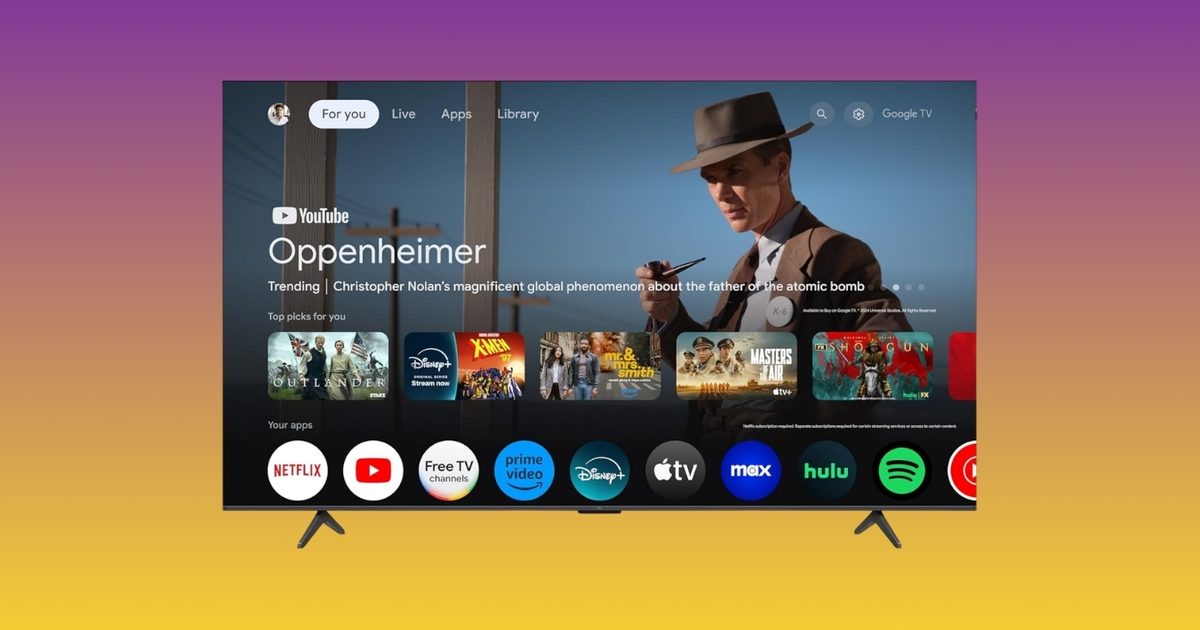
Adjusting your Google TV settings is one of those tasks that sounds straightforward until you’re three menus deep looking for the brightness slider. Google has now streamlined that experience. The company has introduced new Gemini controls, and TCL is the exclusive launch partner, so TCL TV owners can use the feature for the first 60 days before it becomes available on other Google TV brands.
What do the new Gemini TV controls actually offer?
Instead of hunting through settings menus, you can simply speak to your TV. Ask Gemini to modify brightness, contrast, volume, or picture modes with your voice. If something looks or sounds off, describe the issue in plain language. Phrases like “the screen is too dark” or “I can’t hear the dialogue” will trigger Gemini to adjust the settings automatically. You can also request Gemini to fine‑tune settings based on the content you’re watching, or jump straight to the settings menu without navigating multiple screens. It’s a seemingly minor feature that saves time every time you use it.
Which TCL TVs receive the update?
The rollout is live now for select 2025 and 2026 TCL Google TV models in the US. Compatible models include the QM9K, QM7L, RM7L, X11L, QM9L, QM8L, and RM9L. It remains unclear whether older TCL models such as the QM6K, QM7K, or QM8K will get the update later.
The timing is noteworthy as well. With the FIFA World Cup kicking off this summer, having quick voice control over picture and sound settings before a big match is a handy addition. Google is also launching a dedicated World Cup Hub on Google TV, offering live match info, schedules, highlights, and YouTube content.
