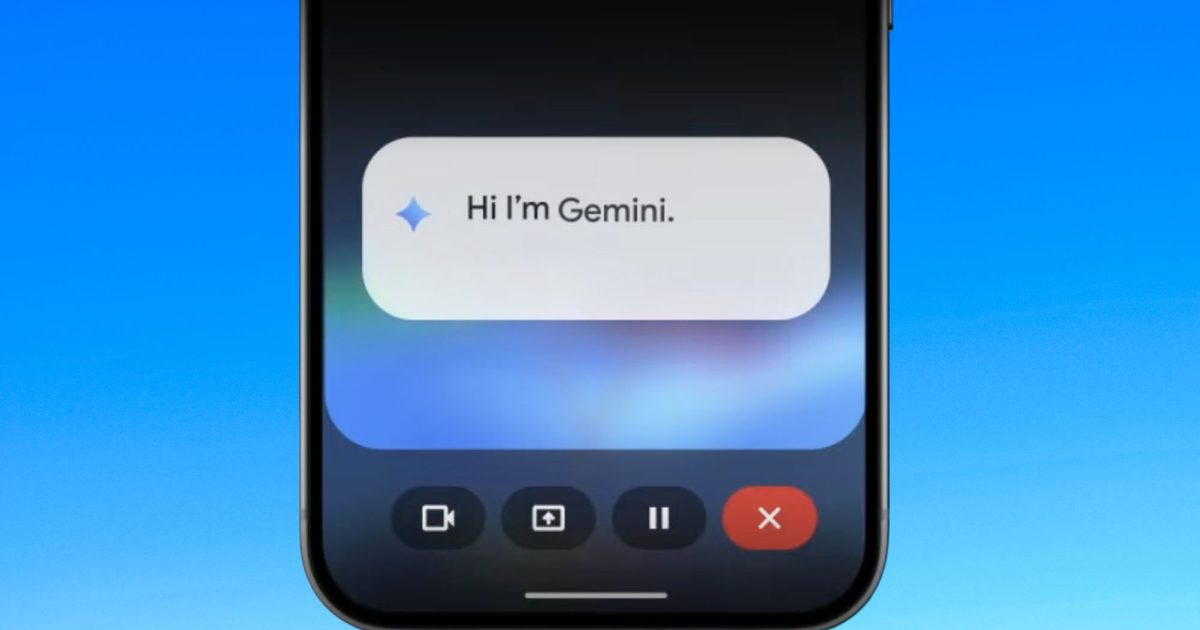
Google is piloting a fresh interface update for its Gemini Live service on Android devices, designed to streamline interactions with its AI assistant and reduce interruptions. As reported by 9To5Google, this new approach abandons the existing full-screen layout in favor of embedding Gemini Live directly into the primary app screen, marking a move toward a more practical, daily-use framework.
Moving Beyond Full-Screen AI
In the past, Gemini Live functioned in a full-screen mode, completely occupying the screen during use. While this emphasized the assistant, it restricted multitasking and made it difficult to operate alongside other applications.
 Gemini on a smartphone Unsplash
Under the new design, Gemini Live is now positioned within the Gemini app’s home screen. The interface adapts dynamically, displaying a “Live with Gemini” banner and providing quick access to tools such as transcripts. This enables users to engage with the AI without abandoning their current tasks.
The outcome is a tidier, more streamlined layout that feels less like a specialized mode and more like an organic part of the application.
The Significance of This Change
This modification highlights a wider trend in AI assistant design. Rather than requiring undivided attention, they are evolving into background utilities that assist with ongoing activities.
By eliminating the full-screen requirement, Google is making Gemini Live more conducive to multitasking. Users can now converse with the assistant while browsing the web, texting, or working in other apps, which better matches real-world habits.
It also demonstrates Google’s goal to establish Gemini as a fundamental component of the Android ecosystem, rather than a distinct feature that users must actively launch.
Implications for Users
For the average user, this update could enhance accessibility and reduce disruption. The simplified design lowers barriers, allowing for quicker questions, responses, or conversation continuations without breaking focus.
 Google
Functionality such as integrated transcripts also enhances usability, particularly for voice-driven interactions where users might need to review earlier replies.
Concurrently, the more compact design may make Gemini feel less overwhelming, especially for those who found the prior full-screen interface too intrusive.
Future Developments
The redesign is currently in the testing phase and has not yet been broadly deployed. However, it is part of a sequence of swift updates to the Gemini app, indicating that Google is actively refining the experience based on user input.
In the future, Gemini Live is anticipated to become even more deeply woven into Android, potentially supplanting traditional assistant workflows altogether. As Google continues to iterate, the emphasis seems to be on making AI assistance more discreet, rapid, and user-friendly throughout the day.
In this regard, this minimalist overhaul may be less about aesthetic adjustments – and more about reshaping how AI integrates into daily smartphone use.