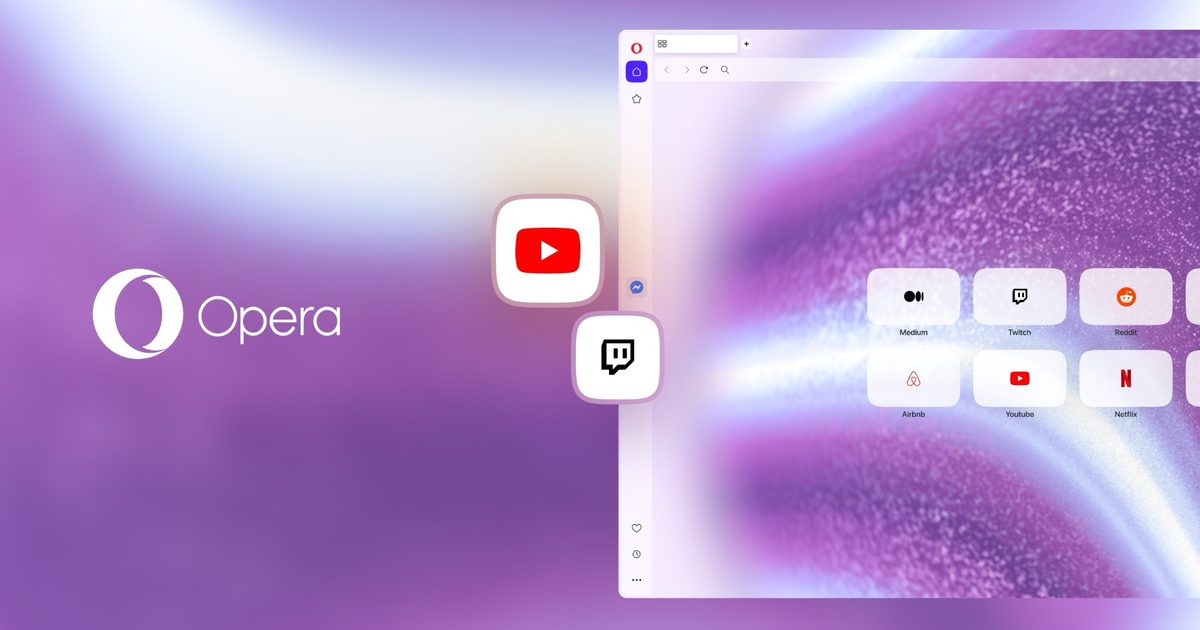
Opera One has released a new update that transforms it into a superior browser for both remote professionals and YouTube enthusiasts alike. This latest release introduces Twitch and YouTube directly into the sidebar, features a built-in volume amplifier that increases audio levels by up to 500%, and includes a completely redesigned Picture-in-Picture experience.
Sidebar Access for YouTube and Twitch
For those who prefer to have live streams or instructional videos playing in the background while working, constantly switching between tabs can be frustrating. Opera One addresses this issue by providing instant one-click access to YouTube and Twitch via the browser’s sidebar. Users can pin the panel for a split-screen layout or detach the video into a draggable floating window that can be positioned anywhere on the display.
 Opera
OperaVolume Amplification Up to 500%
We have all experienced this scenario: discovering an excellent tutorial or lecture only to find the audio too faint, forcing you to lean close to your speakers. While many users resort to third-party volume-enhancing extensions, these often introduce complications, including potential security risks.
 Opera
Opera Opera
OperaOpera One stands out as the first leading browser to integrate a native volume amplifier, capable of boosting audio levels up to 500%. Additionally, it offers per-tab volume control, allowing you to keep background music subdued while maximizing the audio of a quiet video in a separate tab.
 Opera
OperaEnhanced Picture-in-Picture for Remote Work
The Video Popout feature has also undergone a complete redesign. It now supports any video conferencing application compatible with PiP, such as Zoom. Users also gain per-site management for Auto-PiP permissions, replacing the previous global toggle, and the floating window now aligns with your Opera One theme.
 Opera
OperaIf you frequently manage multiple video calls and browser tabs simultaneously, this update is definitely worth exploring.
 Opera
Opera