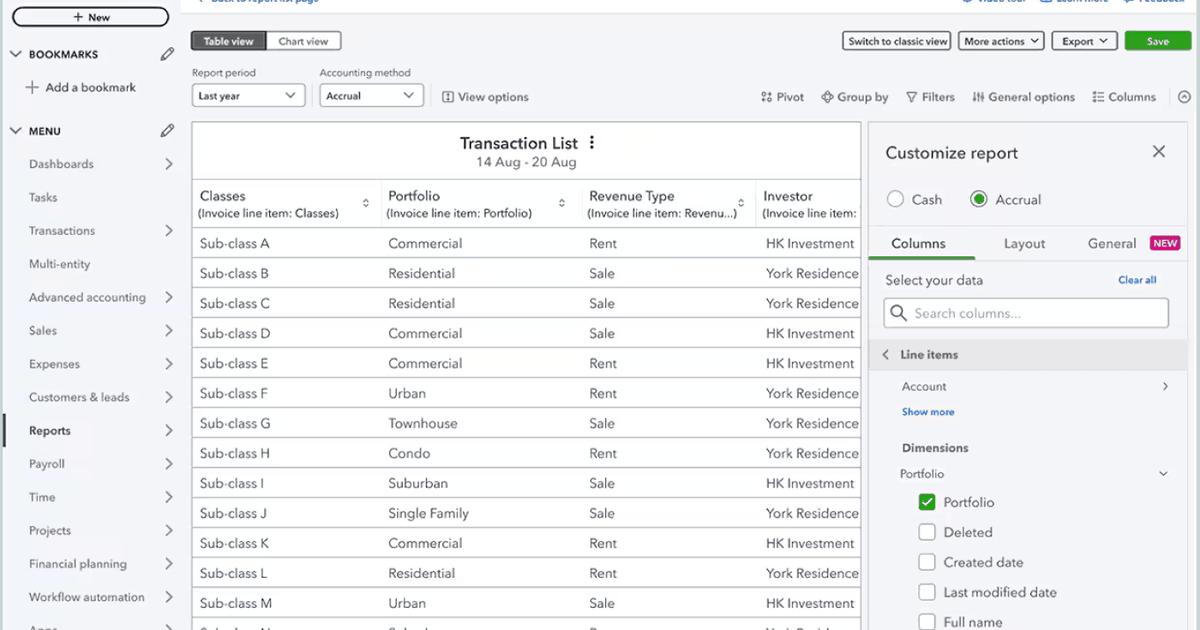
Automated invoicing leverages software to automatically dispatch, monitor, and follow up on billing documents.
For small enterprises, the impact is substantial. Late dispatches, billing errors, or invoices that linger in a client’s inbox without a nudge can stall cash flow, creating immediate financial strain.
By automating the billing workflow, companies eliminate the bottlenecks of manual processing, establishing a steadier and more predictable revenue stream.
Strategies for Automating Invoicing and Payments
Automated invoicing involves utilizing a billing platform to manage repetitive administrative tasks. For instance, small business accounting tools can generate bills on a fixed schedule, deliver them to clients, chase payments when they are overdue, and update financial records upon receipt. This approach is efficient, uniform, and eliminates the need for manual intervention.
The most significant benefits arise from two key features. First, recurring invoices allow businesses with subscription-based clients to bill automatically on predetermined dates. Second, automated payment reminders nudge clients before and after the due date, removing the need for manual follow-up emails. Together, these tools drastically cut down on payment delays.
Consider these factors when selecting invoicing software for your enterprise:
- Recurring invoice capabilities: Ensure the platform allows you to create billing templates that dispatch automatically on weekly, monthly, or custom intervals for regular clients.
- Automated payment reminders: Choose software that sends pre-due, on-due, and overdue notifications on your behalf, eliminating manual follow-ups.
- Integrated payment gateways: Look for a “pay now” button embedded in the invoice that accepts credit cards, debit cards, and bank transfers, enabling immediate payment.
- Real-time invoice tracking: Gain visibility into whether an invoice has been sent, opened, and settled, keeping you informed of every payment’s status.
The Cash Flow Impact of Delayed Invoicing
The timing of invoice dispatch directly influences payment receipt. A three-day delay in sending an invoice often results in a three-day delay in payment. Across numerous invoices, this creates a gap between completed work and available funds, leading to operational challenges.
According to a 2025 report from Intuit QuickBooks, small businesses with outstanding invoices are owed an average of over $17,000. Those facing overdue invoices are more prone to cash flow issues, often relying on credit cards to cover expenses. They also tend to delay hiring. These operational hurdles affect every aspect of business management.
Manual invoicing exacerbates these issues. When billing relies on individual memory to create, verify, and send invoices, errors occur. A missed dispatch leads to delayed payment, and a forgotten follow-up leaves a client unpaid.
Every delay in the invoicing process translates to delayed income. For small businesses, this reduces the cash available for payroll, supplies, and daily operations.
Features That Accelerate Payment Speed
Three key elements consistently improve how quickly invoices are settled: reminders, payment options, and visibility.
Automated Reminders Are Effective
Late payments are rarely malicious; clients often miss deadlines due to busyness. A timely reminder before the due date and another shortly after significantly boosts on-time payment rates. Invoicing systems can handle this automatically, sparing businesses from manual scheduling.
Seamless Payment Options Minimize Delays
Reducing the steps between a client and payment speeds up the process.
Invoices with direct “pay now” links that accept credit cards, debit cards, and bank transfers eliminate extra steps. When clients can pay in under a minute from their phones, they are more likely to do so immediately.
Real-Time Tracking Provides Control
Knowing if an invoice has been viewed changes how you handle late payments.
If a client hasn’t viewed an invoice, you can resend it. If they have viewed it but not paid, a direct follow-up is appropriate. This visibility prevents invoices from going unnoticed.
How QuickBooks Online Simplifies Invoicing
QuickBooks Online consolidates the entire invoicing workflow: creating, sending, following up, collecting payment, and updating records—all without switching tools.
Payment options within QuickBooks include credit and debit cards, bank transfers, Apple Pay, PayPal, and Venmo, all accessible directly from the invoice. Payments processed inside QuickBooks reconcile automatically, eliminating manual data entry.
Example: Streamlined Invoicing in Practice
A freelance web designer manages five monthly retainer clients by setting up recurring invoice templates in QuickBooks Online.
Each month, invoices are automatically emailed on the same date with a “Pay Now” button. Intuit Assist sends a reminder before the due date and another if unpaid.
When a client pays via card or bank transfer, the transaction is automatically recorded and reconciled. The designer’s dashboard displays real-time status for every invoice—sent, viewed, paid, or overdue—without manual follow-up.
Selecting the Right Invoicing System
The ideal invoicing software should align with your business operations. Use this checklist to choose the right platform:


 Recurring billing: Does it support automatic dispatch on a set schedule?
 Built-in payment processing: Can clients pay directly from the invoice without logging into a separate system?
 Automated reminders: Can you customize timing and messages, and do they run without manual triggering?
 Invoice tracking: Can you see sent, viewed, and paid status at a glance?
 Accounting integration: Does payment data sync automatically to your books?
 Mobile access: Can you create, send, and monitor invoices from your phone?
 Scalability: Will the system keep up as your client list grows, without requiring more of your time?
Recurring billing: Does it support automatic dispatch on a set schedule?
Built-in payment processing: Can clients pay directly from the invoice without logging into a separate system?
Automated reminders: Can you customize timing and messages, and do they run without manual triggering?
Invoice tracking: Can you see sent, viewed, and paid status at a glance?
Accounting integration: Does payment data sync automatically to your books?
Mobile access: Can you create, send, and monitor invoices from your phone?
Scalability: Will the system keep up as your client list grows, without requiring more of your time?
If your business already uses accounting software, the simplest choice is to select invoicing tools integrated into the same platform. Keeping billing and bookkeeping in one system eliminates duplication and reduces errors.
FAQ
How can businesses get paid faster?
The most effective steps are to send invoices promptly, include a payment link so clients can pay directly from the invoice, set up automated reminders for unpaid invoices, and offer multiple payment methods. Recurring billing helps too – for clients on a regular schedule, automating the send means they always receive invoices on time. On-time delivery makes on-time payment far more likely.
What is automated invoicing?
Automated invoicing is software-driven billing that handles invoice creation, delivery, and follow-up without manual input. Instead of creating each invoice by hand and chasing payments yourself, the system sends invoices on a schedule, follows up automatically when payments haven’t arrived, and updates your records when they do. For small businesses, it removes one of the most time-consuming parts of running a business and replaces it with a process that works in the background – reliably and consistently.