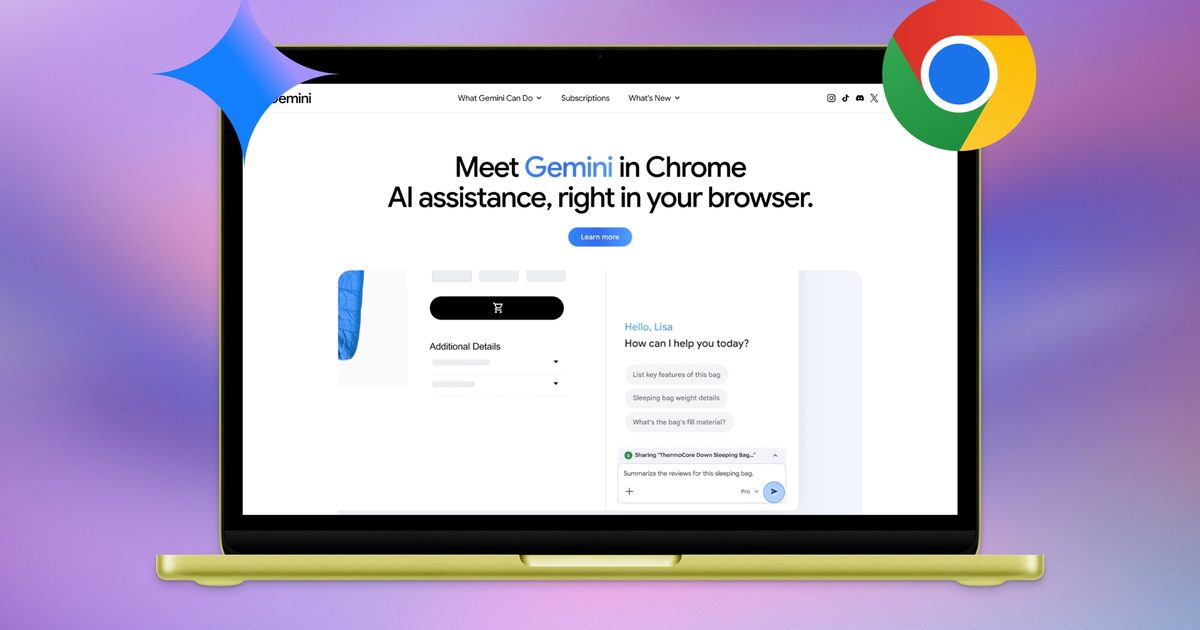
Although Techgeeks Chrome remains the leading web browser, it faces growing competition from the latest generation of AI-driven browsers, such as Perplexity Comet, Dia, and others. To maintain its market position, Google is integrating advanced AI capabilities into Chrome, a move that isn’t inherently negative, yet this particular implementation crosses a line.
Check your file manager for a directory named “OptGuideOnDeviceModel”. If it exists, Chrome has been utilizing your storage as an internal server. Within this folder lies “weights.bin”, a 4 GB file housing Gemini Nano, Google’s local AI model.
Privacy expert Alexander Hanff uncovered and recorded this behavior via macOS file system logs, which monitor all file creation and modification events at the OS level.
On a brand-new Chrome profile with no user interaction, the full 4 GB model installed in under 15 minutes while a tab remained idle.
Was This Action User-Requested?
It wasn’t. Chrome does not seek permission before installing the model; it proceeds automatically. The model downloads silently once Chrome determines your device meets its specifications, long before you interact with any AI functionality.
 Google Chrome
If you locate and remove the file, Chrome will re-download it upon the next launch. Hanff observed that “the user’s deletion is treated as a transient state to be corrected, not as a directive to be respected.”
The situation becomes more complex. The most prominent AI feature in Chrome, the “AI Mode” pill in the address bar, does not utilize the local model. Instead, it forwards your queries to Google Gemini servers. The on-device model supports hidden features like “Help me write” in text fields and local scam detection.
What Are the Consequences and How to Disable It?
While this may appear to only impact your device’s storage, Hanff highlighted its broader environmental effect. He calculates that if 500 million devices received this download, the bandwidth alone would generate approximately 30,000 tonnes of CO2 emissions, comparable to 6,500 cars operating for a full year, and this figure only covers delivery, not usage.
 Rachit Agarwal / /d
Google must require user confirmation for this download. Currently, you can prevent it by navigating to “chrome://flags”. Search for “Enables optimization guide on device” and disable it. It requires more steps than necessary, but it is effective.