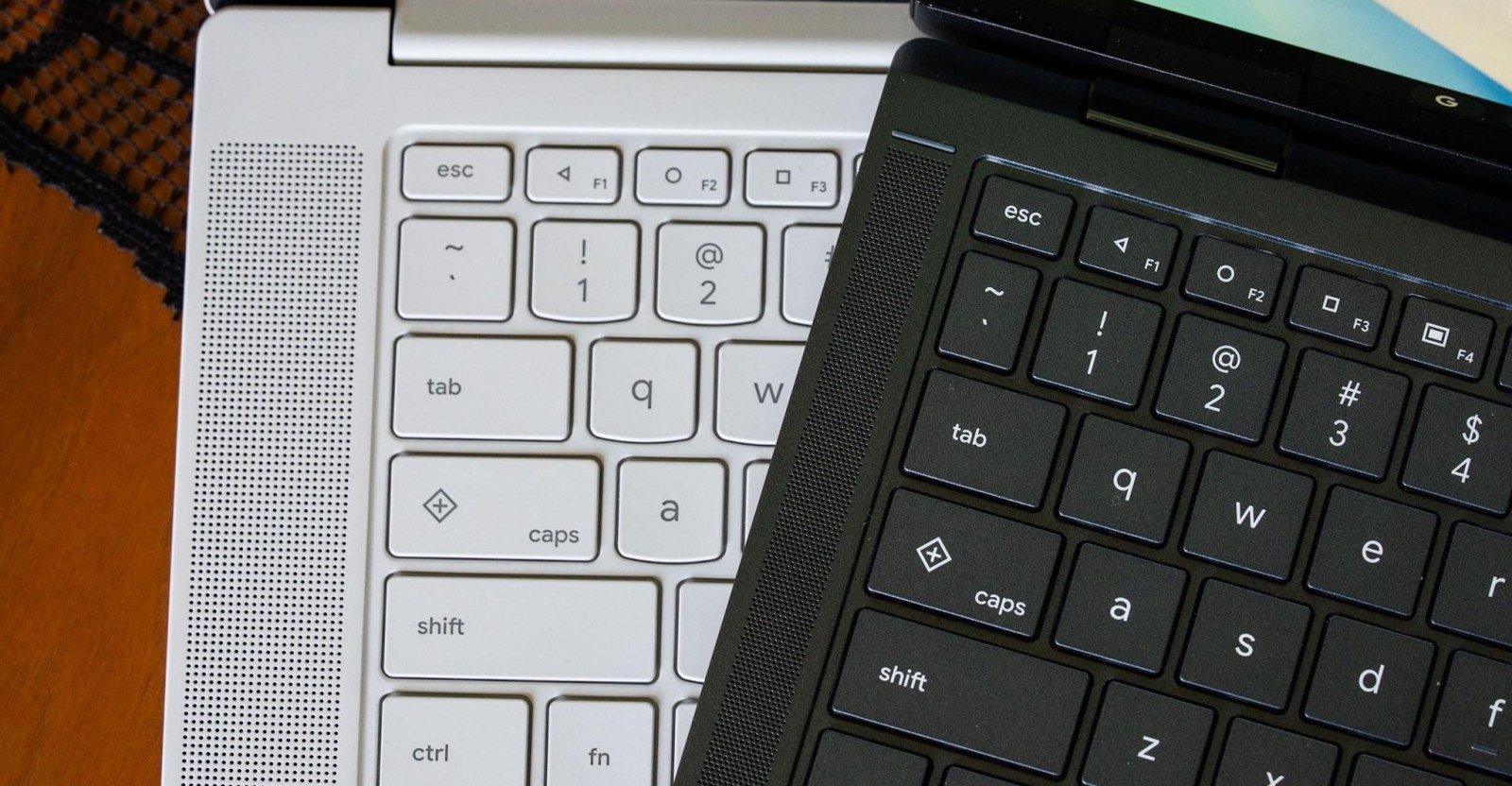
Many people mistakenly think the Quick Insert and Google logo keys are fresh additions to Googlebooks, but they actually appeared a few years back on certain Chromebooks. However, Googlebooks now introduces a novel feature that directly mirrors Android handsets from around 2014.
Every Googlebook keyboard includes F1, F2, and F3 keys that replicate the classic triangle, circle, and square navigation symbols first introduced with Android 5.0 Lollipop — the back, home, and recent‑apps buttons that predate today’s gesture controls.
Though modern Android phones still retain these icons as an option, Googlebook OS maps them to familiar actions: the triangle returns to the previous screen, the circle minimizes all windows to the home screen, and the square displays all open apps, similar to macOS Mission Control or Windows Task View.
Having these dedicated buttons is handy, especially since they’re consistent across all Googlebook devices. The back key can be essential when running Android applications that aren’t fully adapted to a desktop environment or mouse input. Ideally a double‑tap on the home key would restore apps to their prior state, but that functionality — known as desktop peeking — is accessed via a separate shortcut.
For longtime Android enthusiasts, seeing these physical keys again is a nostalgic treat. Still, they underscore the need for a reliable fallback when Android’s touch‑first experience falters.