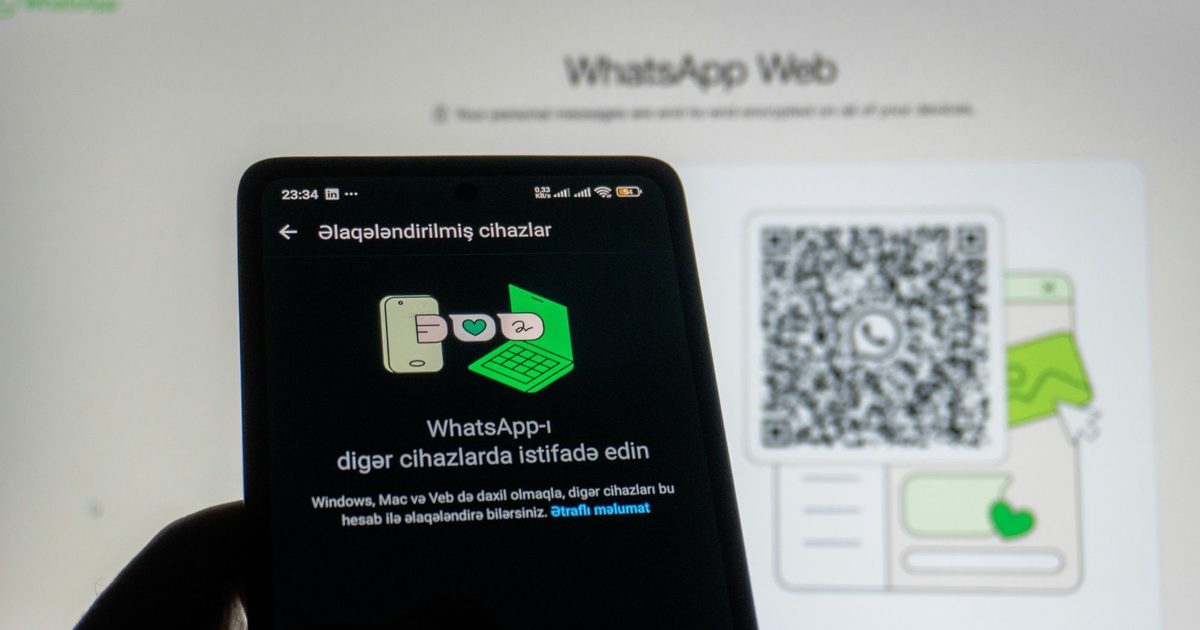
WhatsApp on PC is designed to be one of those straightforward applications you rarely give a second thought to. Much like its Android or iOS versions, it ought to function as a dependable daily communication platform to keep you connected with colleagues, loved ones, and friends.
You launch it, respond to a text, drag a document into a chat, perhaps jump on a quick voice call, and continue with your routine. However, the latest iteration of WhatsApp for Windows seems to actively work against you in every single one of these scenarios.
Over the past several months, the application has grown increasingly contentious among desktop users. Frequent grievances involve sluggish typing responses, prolonged loading times, excessive memory consumption, synchronization glitches, unexpected sign-outs, and a general sense that the software now operates more like a browser extension than a genuine Windows desktop program.
What are the primary problems?
Many users believe Meta swapped out a snappier native Windows application for a WebView2-based container, and the complaints align perfectly with what you’d anticipate from such a change. A recent Reddit discussion from late March labeled the existing version a bloated “web wrapper,” highlighting idle memory consumption approaching 2GB, noticeable typing delays, slower boot times, and poorer performance when offline.
Most of these annoyances mirrored my own experience with the software recently. PC Gamer covered the same transition, noting comparable claims about substantially increased memory footprint compared to the previous UWP version. All of this is aggravating on its own—and given that desktop messaging software thrives or fails based on speed, every minor hitch makes the entire experience feel defective.
Another significant annoyance is the persistent reconnection issue that has bothered the app for months. Even with the application running, WhatsApp on Windows can suddenly stop updating, forcing you to manually tap a “reconnect” button to see new messages again. This behavior is baffling, considering real-time communication is the core purpose of any messaging platform.
 Vikhyaat Vivek / Techgeeks
Users are exhausted by constant failures
The user feedback is predictably uniform. People continue highlighting issues like delayed keystrokes, jerky scrolling, prolonged loading periods, sudden crashes, and frequent sign-outs that require them to re-link the application and resynchronize their conversations. There have even been reports of users being kicked out “in the middle of a chat.”
Several participants in those discussions explicitly stated they were returning to the browser or installing WhatsApp Web as a standalone app because it appeared more dependable.
 Vikhyaat Vivek / Techgeeks
It seems like Meta has lost interest
The current WhatsApp for Windows experience is an ongoing compromise. The application is bulkier, slower, less integrated, and less dependable than it ought to be. The most frustrating aspect is that this isn’t some complex creative suite or specialized software for hobbyists.
It is a communication platform, one of the most fundamental tools people use daily. If WhatsApp on PC cannot maintain a steady connection, stay responsive, and function as designed, then it is failing its most essential responsibility.