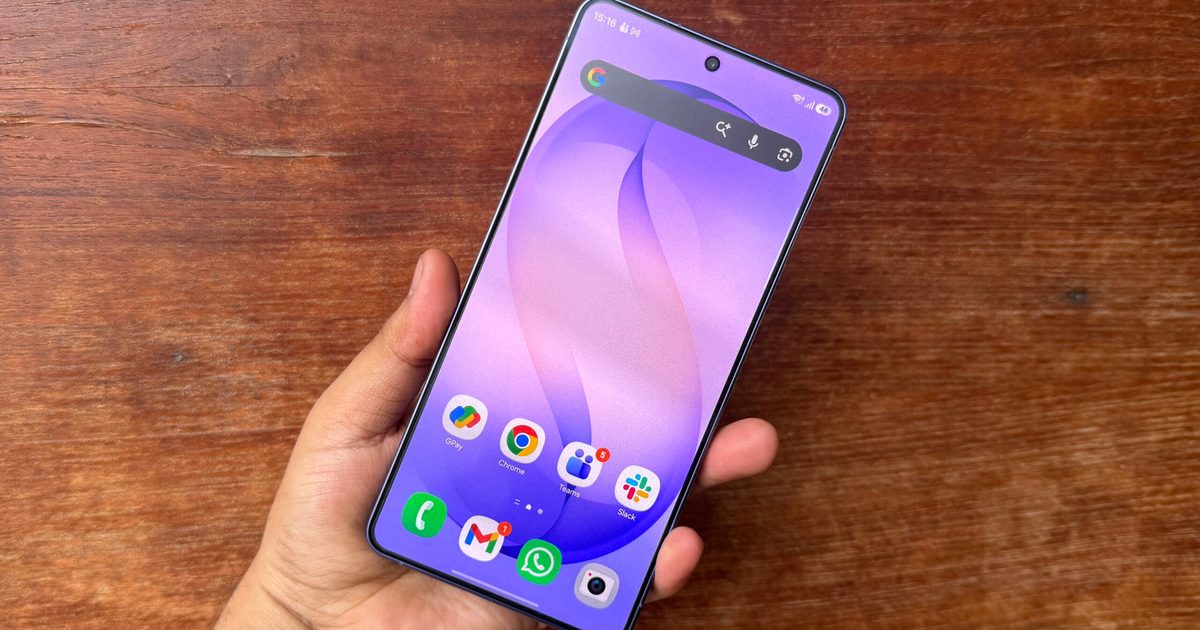
Samsung Galaxy devices have featured a lockdown mode for years – a manual option hidden in the power menu that turns off fingerprint and face unlock and forces a PIN entry. It served as a handy last‑resort when someone might try to coerce you into unlocking the phone with your face or finger. The issue was that many users were unaware of it or never used it. One UI 9 addresses this by eliminating the manual toggle altogether.
**What changed in the power menu?**
According to SammyFans and confirmed by members of the r/oneui subreddit, the One UI 9 Beta 2 (built on Android 17) modifies the behavior of lockdown mode. The dedicated lockdown button has vanished from the power menu. In its place, you now see medical information, which is a more context‑relevant option for first responders during emergencies.
Lockdown itself is still present, but it now activates automatically. As soon as you open the power menu and then dismiss it, One UI 9 triggers lockdown, locking the device and disabling fingerprint and face recognition. The only way to regain access is by entering your PIN, pattern, or password.
**Is this an improvement or just a nuisance?**

In my view, it’s a clear upgrade. The previous setup required you to stay calm under pressure, locate the correct button, and tap it before handing over your phone—or worse, having it snatched. The new approach removes that mental load entirely. Opening the power menu is already an instinctive reaction when something feels off, and reaching for the side button is second nature. Samsung has turned that reflex into a security measure without any extra steps.
For now, this behavior is live in One UI 9 Beta 2 and has not been confirmed for the stable release. Since Samsung has not officially announced the change, it could still be tweaked before the final One UI 9 version ships to consumers.